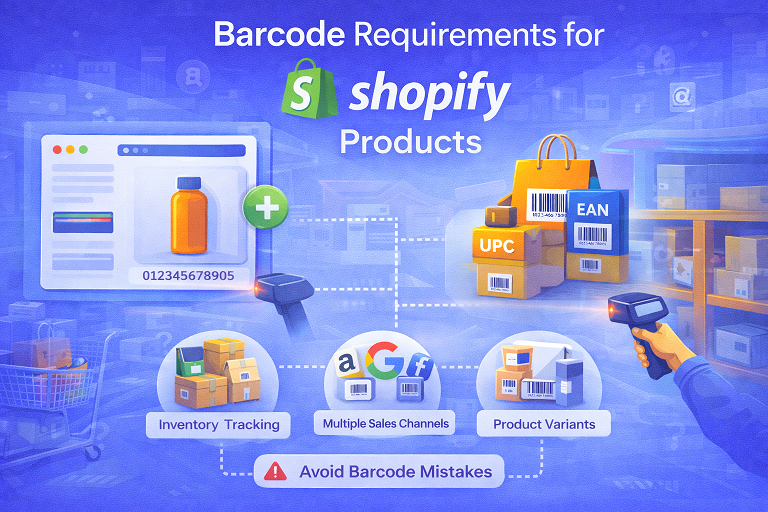
Barcode Requirements for Shopify Products
If you’re selling products on Shopify, you may be wondering: Do Shopify products need barcodes?
The answer depends on how you sell and where your products are listed. In this guide, we’ll explain Shopify barcode requirements, when barcodes are necessary, and how to use them correctly to avoid listing and inventory issues.
Does Shopify Require Barcodes?
Shopify itself does not require barcodes to create products. You can list and sell products on your Shopify store without barcodes, especially if you sell directly to customers.
However, barcodes become important when:
- You use inventory tracking
- You connect Shopify to external sales channels
- You sell through retail stores or marketplaces
- You manage large product catalogs
What Is a Barcode in Shopify?
In Shopify, a barcode is a product identifier used mainly for inventory management and integration with other platforms.
Shopify supports standard barcode formats such as:
- UPC (Universal Product Code)
- EAN (European Article Number)
- ISBN (for books)
When Do Shopify Products Need Barcodes?
You will likely need barcodes for your Shopify products if:
- You sell on multiple channels (Amazon, Google, Facebook, etc.)
- You use Shopify POS in physical retail stores
- You manage inventory across warehouses
- You plan to scale your product catalog
Barcodes help keep product data consistent across systems and prevent inventory mismatches.
Do Shopify Product Variants Need Barcodes?
Yes. Each product variant in Shopify (such as size, color, or packaging) should have its own unique barcode.
Using the same barcode for multiple variants can cause inventory tracking issues and listing errors.
How to Add a Barcode in Shopify
Adding a barcode to a Shopify product is simple:
- Go to your Shopify Admin dashboard
- Select Products
- Choose the product or variant
- Enter the barcode in the Barcode field
- Save your changes
Make sure the barcode entered is accurate and unique.
UPC vs EAN for Shopify Products
Shopify supports both UPC and EAN barcodes. The right choice depends on where you sell:
- UPC: Common in the United States and Canada
- EAN: Widely used internationally
If you plan to sell globally, having both formats available can be beneficial.
Common Barcode Mistakes on Shopify
- Leaving the barcode field empty when using inventory tracking
- Reusing the same barcode for multiple products
- Entering incorrect or incomplete barcode numbers
- Using barcodes not compatible with sales channels
Do Barcodes Affect Shopify SEO?
Barcodes do not directly impact Shopify SEO. However, they improve backend organization, inventory accuracy, and integration with sales platforms, which helps your business scale smoothly.
Best Practices for Shopify Barcodes
- Use a unique barcode for each product and variant
- Choose the correct barcode type for your market
- Test barcodes before using them in retail or POS systems
- Keep barcode records organized and backed up
Final Thoughts
While Shopify does not strictly require barcodes, they play a crucial role in inventory management and multi-channel selling.
Using the right barcodes from the beginning helps you avoid problems as your Shopify store grows and expands into new sales channels.
 Buy Barcode in Quetta
  Buy Barcode in Sialkot
  Buy Barcode in Rahim Yar Khan
  Buy Barcode in Karachi
  Buy Barcode in Rawalpindi
  Buy Barcode in Sheikhupura
  Buy Barcode in Larkana
  Buy Barcode in Multan
  Pakistan
  Buy Barcode in Lahore
  Buy Barcode in Islamabad
  Buy Barcode in Gujranwala
  Buy Barcode in Bahawalpur
  Buy Barcode in Sargodha
  Buy Barcode in Abbottabad
  Buy Barcode in Peshawar